1. You find it
A street poster, an Instagram post, an Eventbrite link or a plan someone sends you on WhatsApp. You can try any of these formats.

A concert on Instagram. A poster on the street. A plan someone sends you on WhatsApp. Take a photo, paste the text or link into Kalenda and your event will be ready to save in seconds.
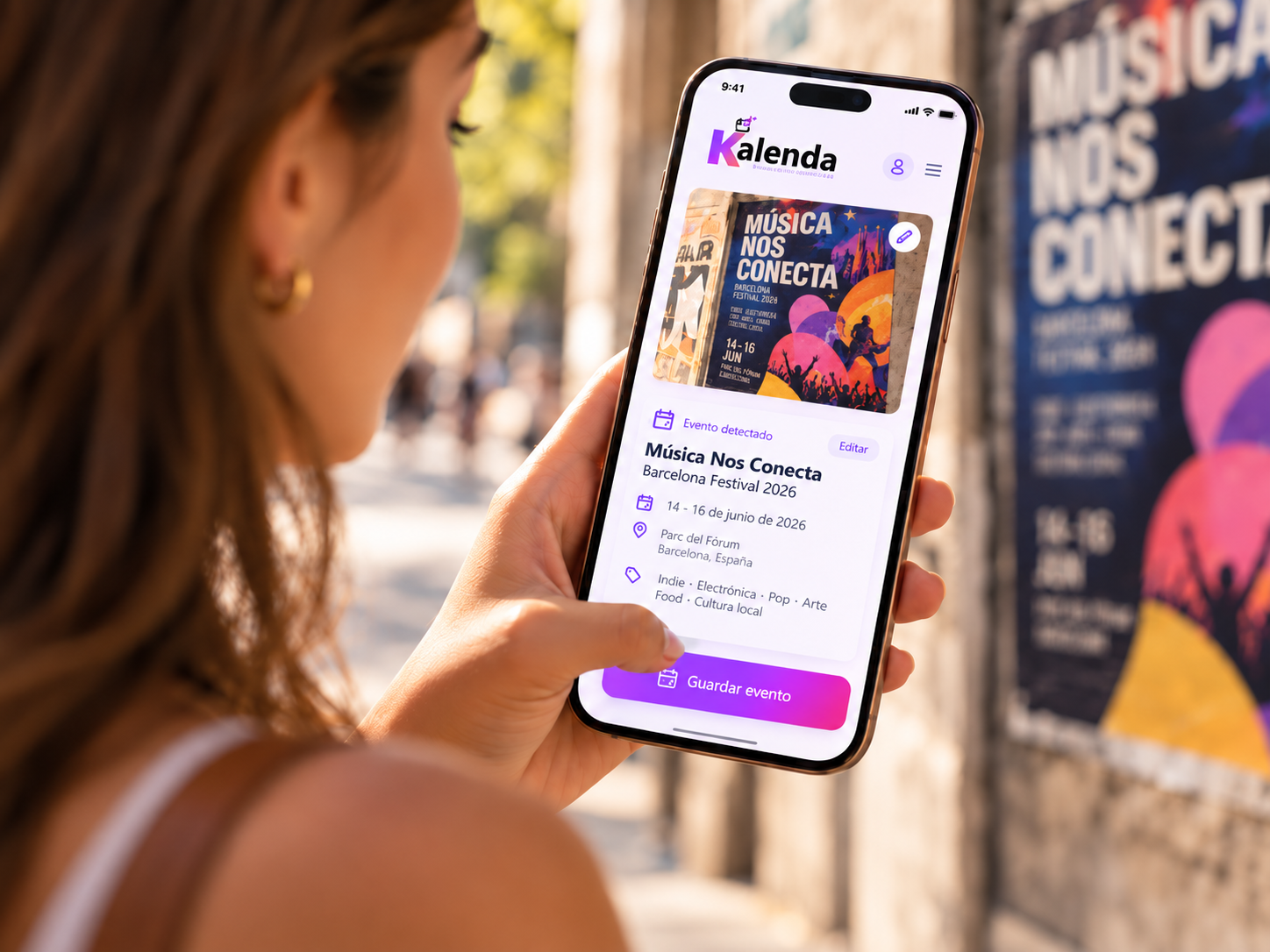
Take a photo. Kalenda finds the details and prepares the event for you.
Three steps. Because saving a plan should be almost as easy as finding it.
A street poster, an Instagram post, an Eventbrite link or a plan someone sends you on WhatsApp. You can try any of these formats.
Take a photo or screenshot, paste a link or some text. Kalenda detects the date, time, place and key details.
Check everything, then save it to your calendar. You can also share it with whoever you want to bring along.
Less time organising plans. More time enjoying them.
Upload a photo or screenshot, paste text or a link and Kalenda prepares the event for you to review before saving.
It detects the title, date, time, duration, location and description so you don't have to type them.
Before saving, review and edit anything you want. Kalenda suggests; you decide.
Your events are linked to your account so they stay with you wherever you are.
See your upcoming plans in a list or calendar and filter by category or date.
Save directly to Google Calendar when connected, open Outlook to review the event, or download .ics for Apple Calendar. And if the plan looks good, share it.
Saving from photos, text and links is included from day one. The difference is how much you use Kalenda.
Photos and screenshots, text and links included.
Up to 100 AI-processing operations per month, plus everything included in Free.
Start free and let Kalenda take care of the rest.
Start freeKalenda uses browser storage needed for your session and the preferences you choose. This notice is informational; it is not consent to optional tracking. See the current inventory, providers and retention details in our cookie policy.